See what travels
Review the relevant metadata categories before a copy is made.
Inspect what a photo carries, make a clean copy, and keep the original exactly where it is.
On-device privacy workflow · Photos, Files, Camera, and Share Sheet · iPhone + iPad
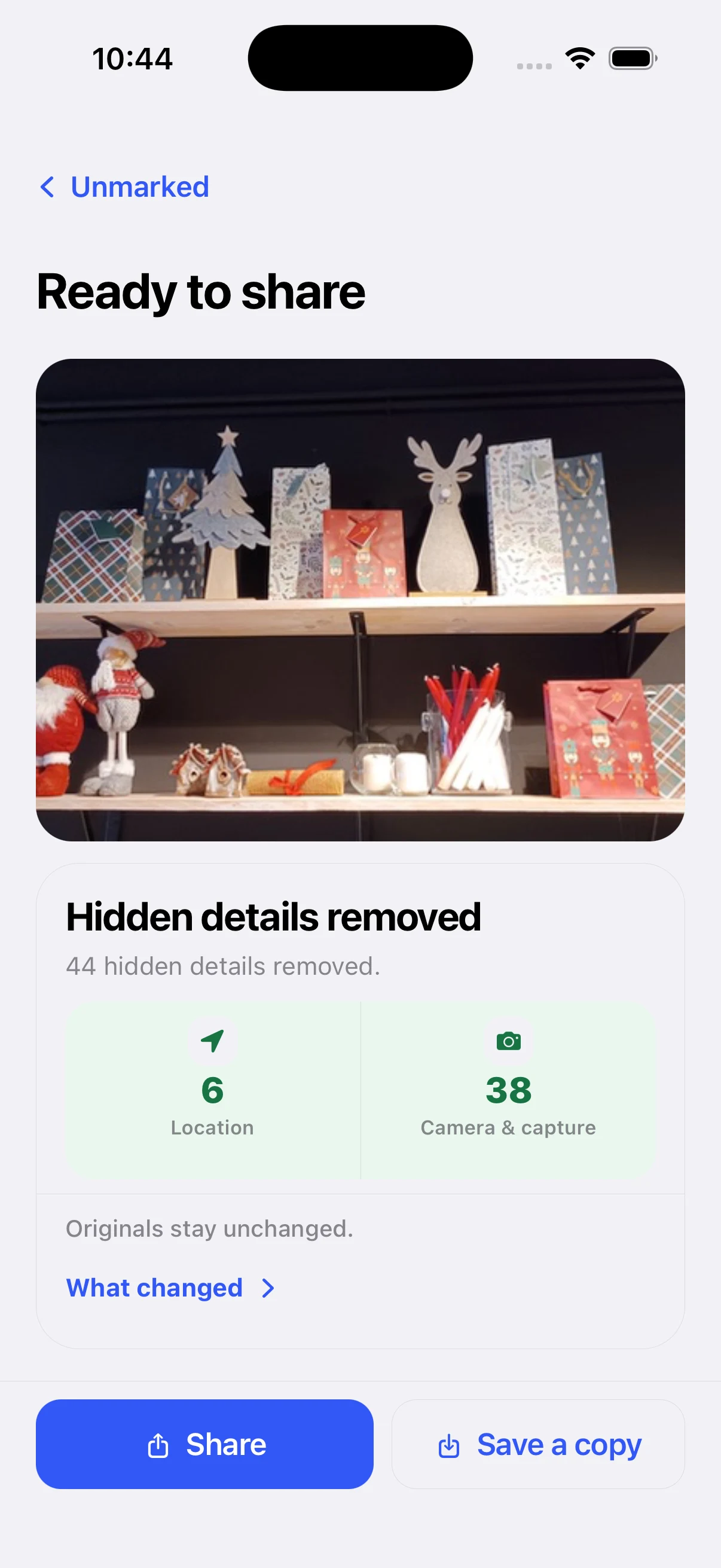
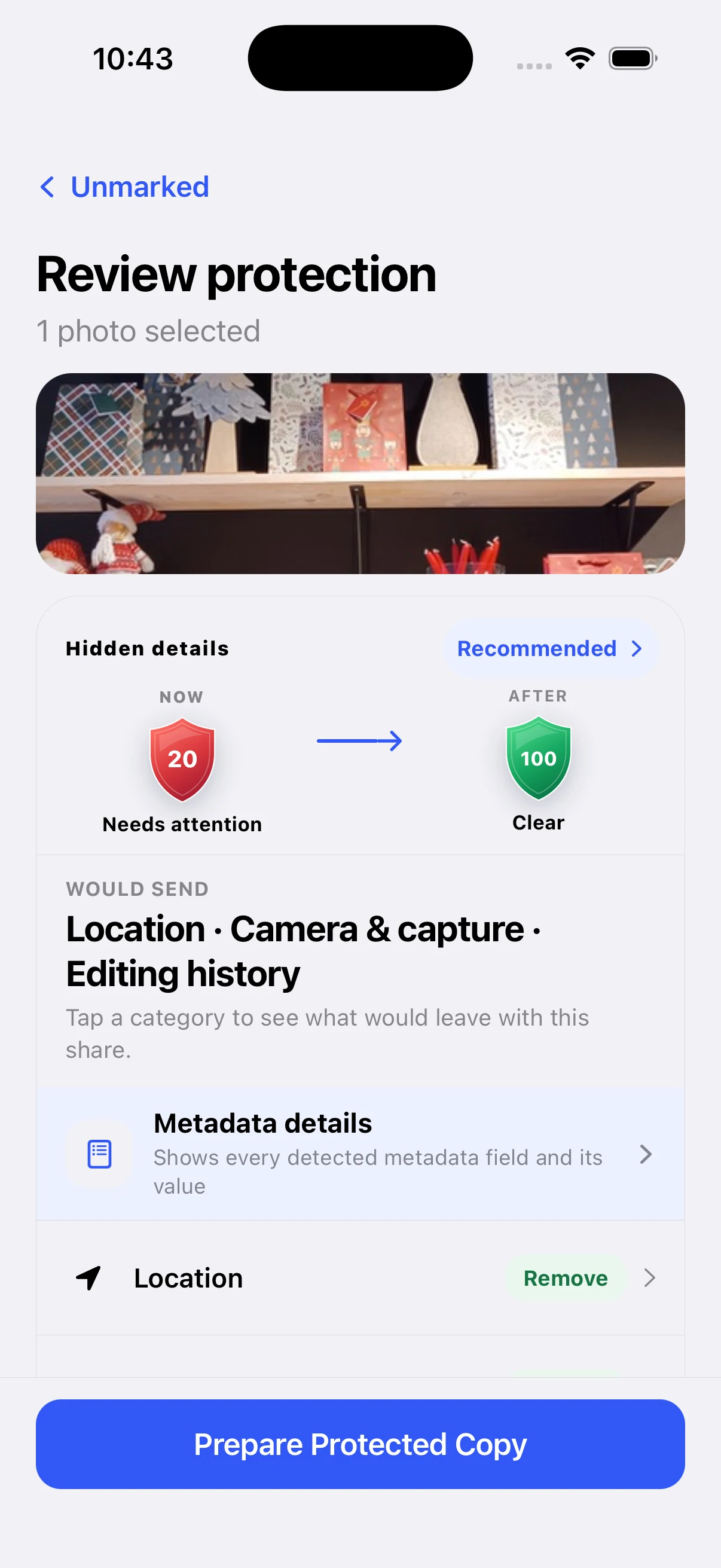
Unmarked makes the hidden part of sharing understandable without turning privacy into a lecture.
Review the relevant metadata categories before a copy is made.
Remove the details you do not want to carry into the shared version.
Verify the result, keep the original unchanged, then deliver through the destination you choose.
See what the selected photo carries before you choose a protection profile.
Prepare the protected output locally while the source stays in place.
Save or share only after the changes and destination are visible.
These are real iPhone screens from the current verified creative set. The site shows the sequence; the app owns the actual protection decision.
See the categories that would travel with the photo.
Make the change visible instead of relying on a privacy slogan.
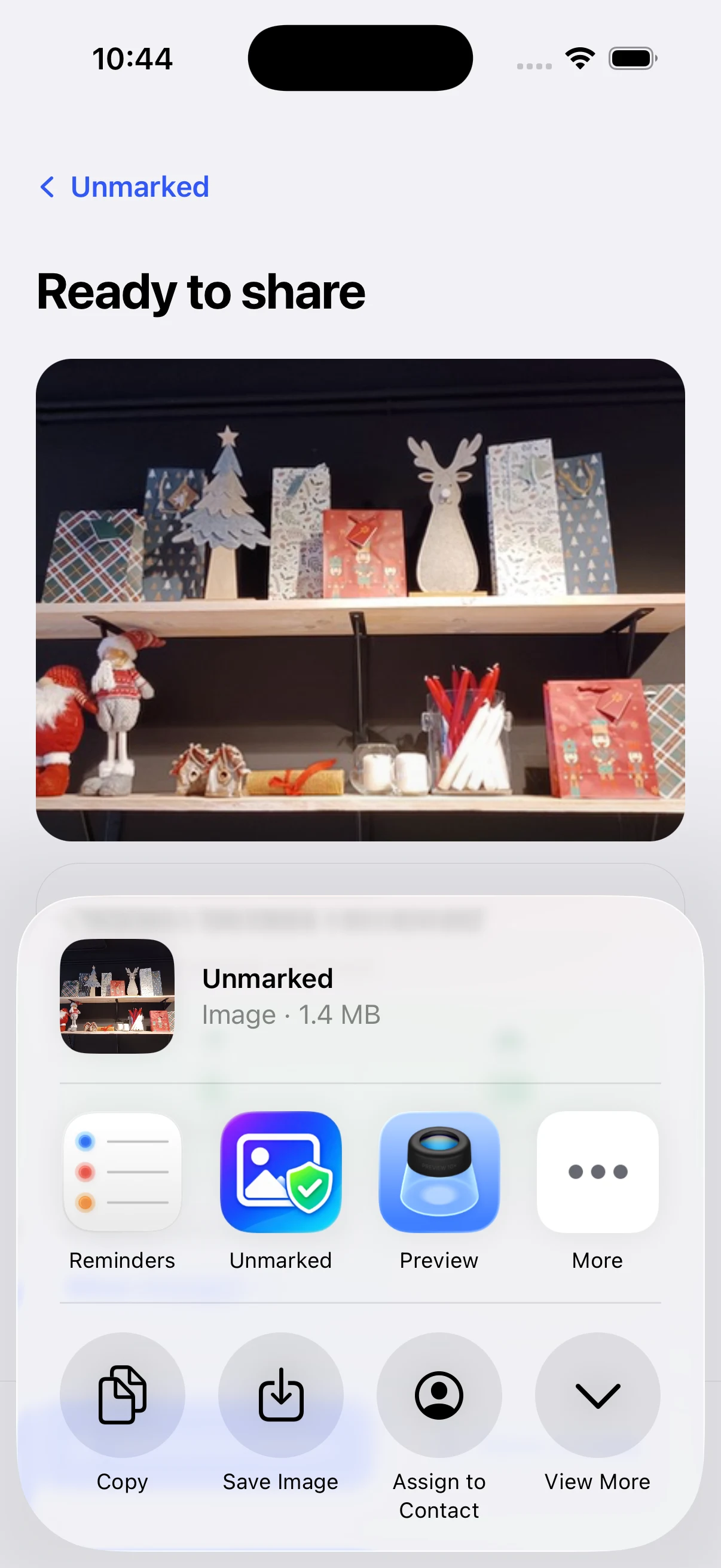
Deliver a verified output through Photos, Files, or the Share Sheet.
Each guide explains one privacy or metadata question with a clear boundary, a real product path, and no account or cloud-upload detour.
Unmarked turns a hidden metadata decision into a short, reviewable step.